

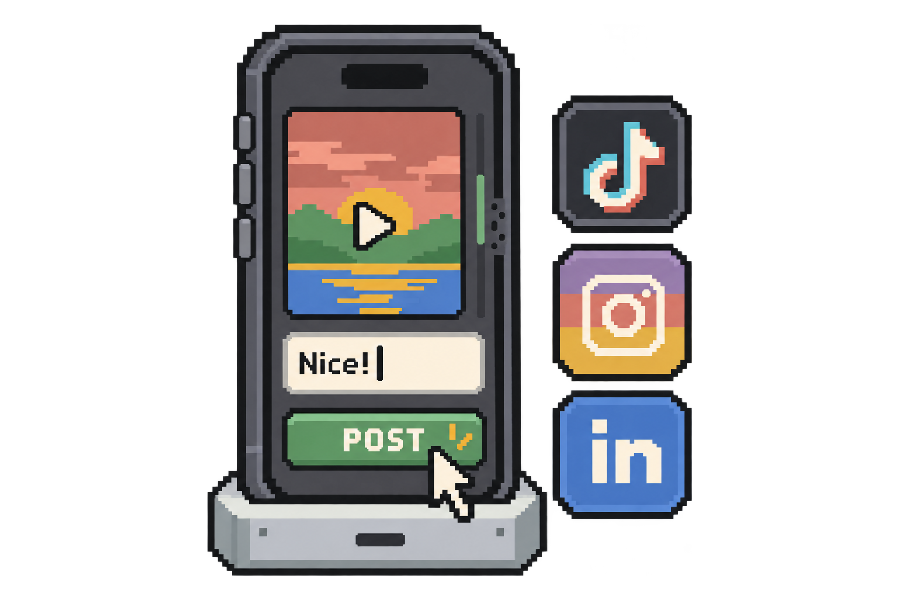
Run your socials
Post on Instagram, TikTok, and LinkedIn. Reply to comments and DMs, find leads, and follow up.
Connect Claude Code, Codex, Cursor or any other agent through our API. We bring the device and the fingers.
Tell your agent to rent
Rent an iPhone from glasshand.com and connect to it so you can see the screen, tap, and type.
Rent a Mac from glasshand.com and connect to it so you can see the screen, click, and type.
Exactly what you use your iPhone or Mac for: running social media, building and testing native apps, and handling everyday admin.
Post on Instagram, TikTok, and LinkedIn. Reply to comments and DMs, find leads, and follow up.
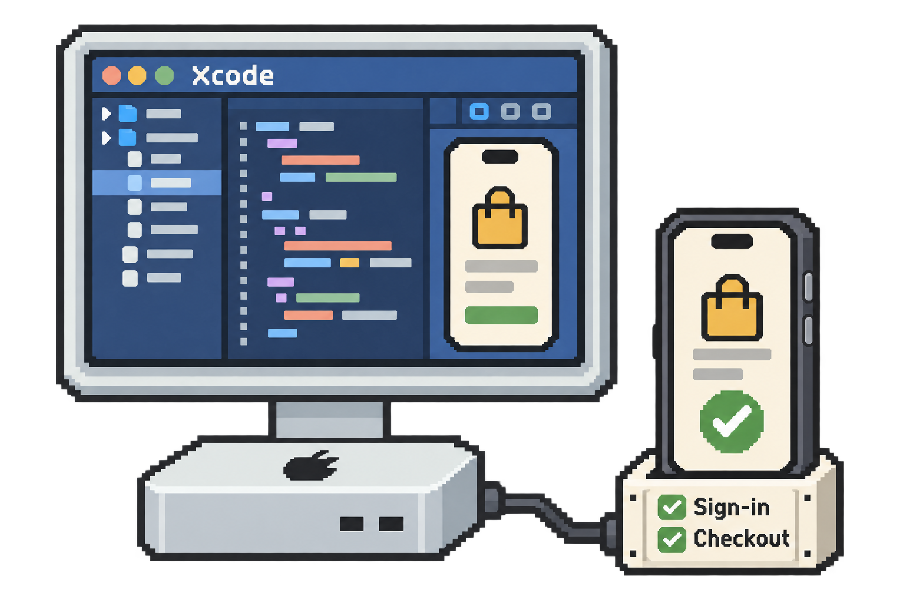
Build native apps in Xcode on a hosted Mac. Test sign-in and checkout on a real Mac or iPhone.
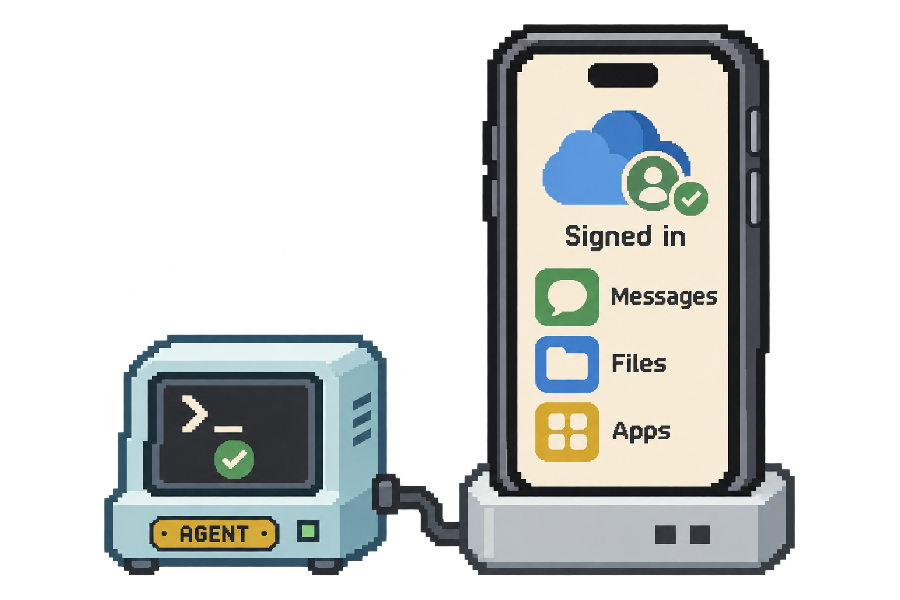
Sign in to iCloud and the apps you use. Your agent can work with your calendars, contacts, messages, and files to get tasks done with the context it needs.
Real iPhones and Macs in our data center, not virtual machines, emulators, or simulators.
It works just like the iPhone or Mac you use every day. Access Apple’s ecosystem, use a real phone number, and set your own password.
 Download real apps
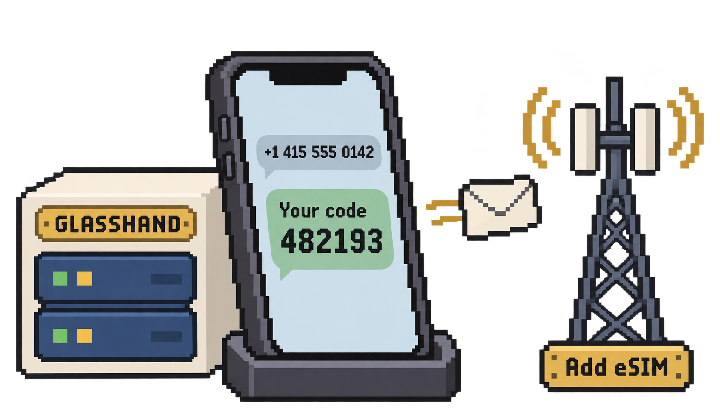 Have a real phone number
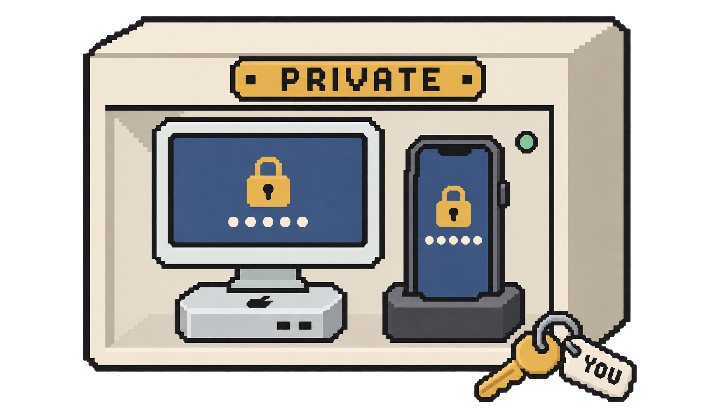 Set a real password
Through a dedicated controller, your agent sees the screen and taps, types, and clicks, just like a person using the device.
Nope. We host and maintain a real device just for you. You set the password, install your apps, and sign in.
Your device starts factory-reset, ready for your apps and accounts.
Your device isn’t shared with other customers. You set the password.
When you release the device, we erase your data and reset it.
Not much. Rent month to month, cancel anytime, and we erase your data when you release the device.
Any agent. Connect through the Glasshand API, and your agent sees the screen and controls the iPhone or Mac mini.
Yes. Install apps and sign into your accounts, just like on your own iPhone or Mac.
Yes. The device is yours alone. Your apps, files, and sign-ins stay put until you release it.
Yes. Activate an eSIM plan to connect to a carrier’s mobile network. Choose a plan with SMS to receive verification texts.
No. Glasshand devices are rented month to month.
Yes. Cancel anytime. Your device stays available until the end of your current billing period, then your subscription ends.
We erase your data and restore the device to factory settings. Its controller is wiped and reset too.
Just ask your agent. Paste the prompt into its chat, then approve and pay when it asks.
Tell your agent to rent
Rent an iPhone from glasshand.com and connect to it so you can see the screen, tap, and type.
Rent a Mac from glasshand.com and connect to it so you can see the screen, click, and type.
Works with Claude Code, Codex, Cursor, OpenClaw, Hermes, or any agent.